A phone left charging overnight, a warm power bank, or a case that no longer fits can signal a battery problem. Swelling is not normal. Lithium-ion cells may expand when internal reactions produce gas, but overcharging is only one possible cause. Aging, physical damage, excessive heat, or faulty charging controls can also contribute. That distinction matters: replacing a charger alone may not address the real risk.
The U.S. National Transportation Safety Board’s investigation into Samsung Galaxy Note7 battery failures documented design and manufacturing defects, showing why battery incidents cannot always be reduced to user behavior. Safety standards such as IEC 62133-2 and UL 2054 assess batteries and packs under electrical and mechanical stress. They offer useful benchmarks, not a guarantee that every device will remain safe in every condition. A swollen battery should not be squeezed, punctured, or kept charging. Stop using the device and follow the manufacturer’s service or disposal guidance. Small warning signs matter.
This guide explains how to prevent battery overcharging and swelling through practical habits: using compatible charging equipment, avoiding hot surfaces, and checking devices for heat or case distortion. It also clarifies when charging behavior is not the cause. Realistically, no routine eliminates every failure; batteries age, and product quality varies. The aim is to reduce avoidable stress, notice changes early, and respond safely rather than assume a familiar device cannot fail.
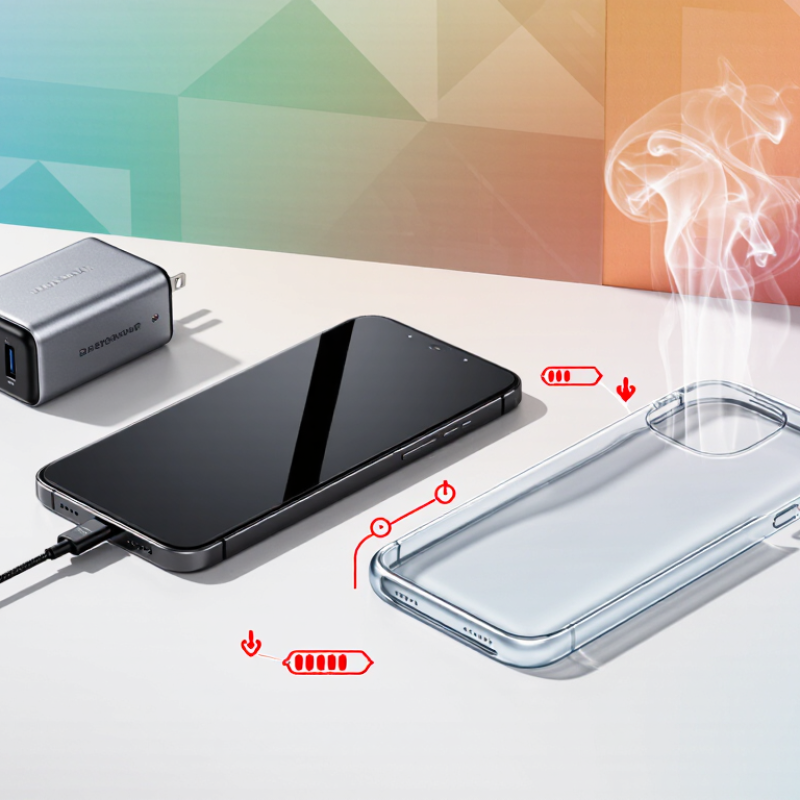
How to Prevent Battery Overcharging and Swelling?
Understand How Overcharging and Battery Swelling Develop
A lithium-ion battery does not usually keep charging unchecked when its device and charger work properly. Charging circuits reduce or stop current as the battery approaches full capacity. Still, heat, damaged charging equipment, or a failing battery can interfere with safe operation. Keeping a battery full for long periods may also add chemical stress, especially in a warm room or under a pillow. Small stresses accumulate.
Swelling develops when chemical reactions inside a cell produce gas. Age, repeated heat exposure, physical damage, or internal defects can contribute. The pouch or casing may bulge, making a trackpad lift or a phone screen sit unevenly. Swelling is not simply “extra charge,” and its exact cause may be hard to identify without inspection. I used to think a slightly raised case was just a loose panel. That assumption can be risky.
Tips: Use a compatible, undamaged charger, and keep devices on a hard, ventilated surface while charging. Avoid leaving them in hot cars or under blankets. If a battery bulges, smells unusual, leaks, or becomes very hot, stop using and charging the device. Do not press, puncture, or try to flatten it. Arrange professional service or follow local battery-disposal guidance. A tiny gap can matter.
| Stage or factor | What happens | Possible warning signs | Practical prevention or response |
|---|---|---|---|
| Normal charging | Most rechargeable lithium-ion batteries use controlled charging that reduces or stops current as the cell reaches its specified voltage. | The device and battery remain at normal temperature and the case retains its usual shape. | Use a charger and cable that meet the device maker’s specifications. Keep charging ports and connectors clean and undamaged. |
| Overcharge protection | Charging circuits are designed to limit charging, but damage, incompatible equipment, or a fault can interfere with normal protection. | Repeated unusual heating, charging errors, or a battery that continues to behave abnormally while connected. | Do not use damaged chargers, cables, or devices. Disconnect power if charging causes abnormal heat, odor, or other unusual behavior. |
| Excessive heat | High temperatures can accelerate battery aging and increase the risk of internal chemical reactions. Heat may come from the environment, heavy use, or a fault. | The device becomes unusually hot, especially when idle or during routine charging. | Charge on a hard, well-ventilated surface. Keep the device away from direct sunlight and other heat sources; avoid covering it while charging. |
| Internal gas buildup | Battery aging, damage, overheating, or abnormal charging can cause internal reactions that produce gas, increasing pressure inside a sealed cell. | The battery or device case becomes swollen, separates, or no longer fits together normally. | Stop using and charging a swollen battery or device. Do not press, puncture, bend, or attempt to repair the battery. |
| Physical damage or aging | Impact, puncture, manufacturing defects, and normal wear can damage internal layers or reduce a battery’s ability to operate safely. | Visible dents, leakage, unusual odor, unexpected shutdowns, or a change in case shape. | Protect devices from impact and moisture. Have damaged or swelling batteries assessed by a qualified repair or recycling service. |
| Long-term storage | Leaving a battery fully charged or fully depleted for extended periods can contribute to aging; storage in heat can worsen degradation. | Reduced runtime or difficulty holding a charge after storage. | Follow the device maker’s storage guidance. Store devices in a cool, dry place and check them periodically. |
| Safe disposal | Lithium-ion batteries should not be placed in household rubbish or ordinary recycling bins because they can present fire risks if damaged. | A battery is swollen, leaking, damaged, or no longer needed. | Keep a damaged battery away from heat and combustible materials, and contact a local battery-recycling or hazardous-waste service for handling instructions. |
Safety note: Swelling is a sign of possible battery failure, not a condition that can be safely reversed at home. If a device is smoking, hissing, or becoming dangerously hot, move away and contact local emergency services.
Chemical reactions can create gas inside the cell. Age, repeated heat, physical damage, or internal defects may contribute. It is not simply “extra charge.”
Charging circuits usually reduce or stop current near full capacity. Heat, damaged equipment, or a failing battery can still create risks. Small stresses add up.
Check for a lifted screen, open seams, a bulging case, or a device that rocks on a flat table. Tight buttons, creaking, leaks, or discoloration also deserve attention. Small changes count.
Stop using and charging it. Do not press, puncture, bend, or flatten the casing. A small bulge matters.
Do not handle it if it feels unsafe. Move away, and contact local emergency services if it hisses, leaks, smokes, or becomes very hot.
Have a qualified repair professional handle a battery, especially if it is stuck inside the device. Use a replacement that matches the device specifications.
Keep it in a dry, cool place, away from children and flammable materials. Avoid handling it if it is hot or damaged.
Use a compatible, undamaged charger and charge on a hard, ventilated surface. Avoid hot cars, blankets, and prolonged heat. I once mistook a raised case for a loose panel; that was a poor assumption.
How to prevent battery overcharging and swelling begins with understanding what causes these problems. Keeping a battery connected to power for extended periods, using an incompatible charger, or exposing it to excessive heat can increase stress and contribute to damage. Choose a charger designed for your device, and use built-in charge-limiting features when available. Safer habits include charging on a hard, ventilated surface, avoiding extreme temperatures, and unplugging the device when practical rather than leaving it charging unattended for long periods.
Inspect devices and batteries regularly for warning signs such as unusual bulging, gaps in the case, excess heat, or a change in shape. If a battery appears swollen or damaged, stop using and charging the device, and do not press, puncture, or attempt to repair the battery. Arrange for safe replacement and disposal through an appropriate battery service or collection point. These precautions can help reduce battery stress and identify problems before they become more serious.

 NexBolt Charger